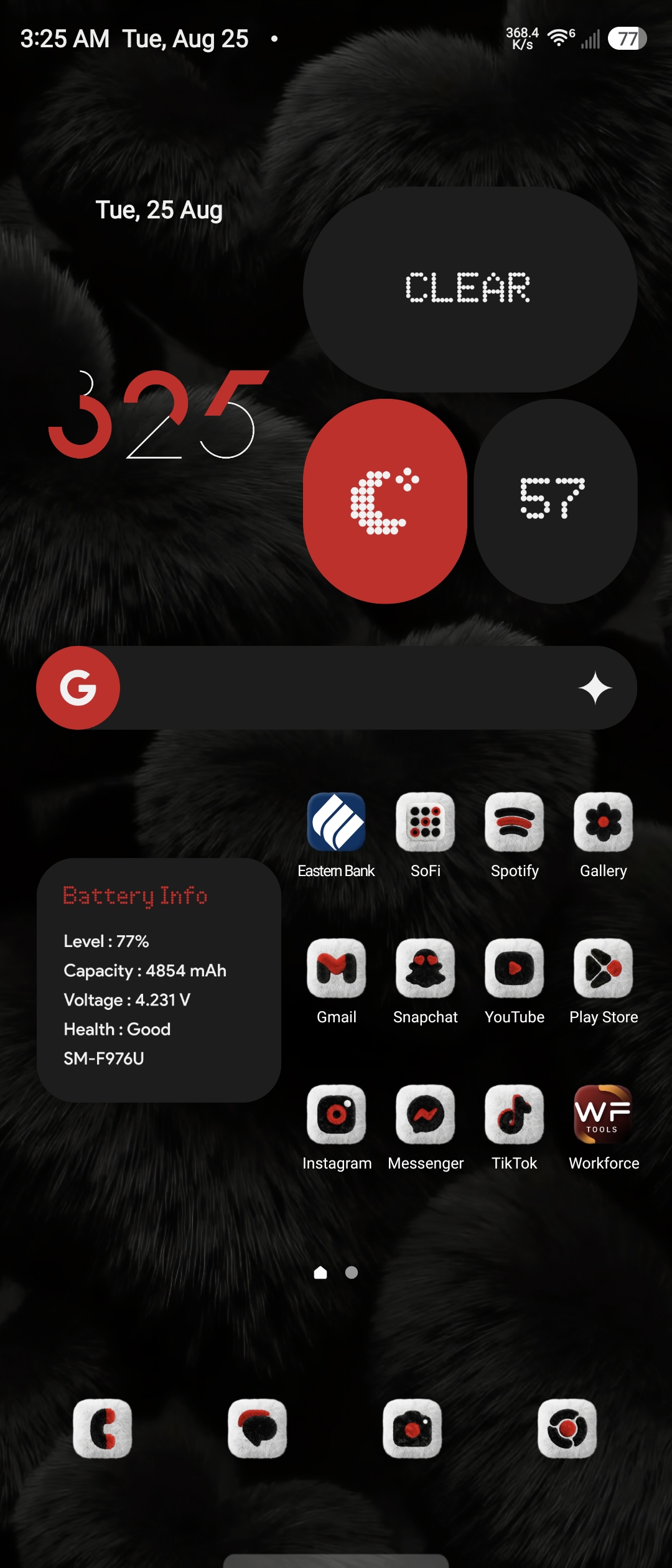
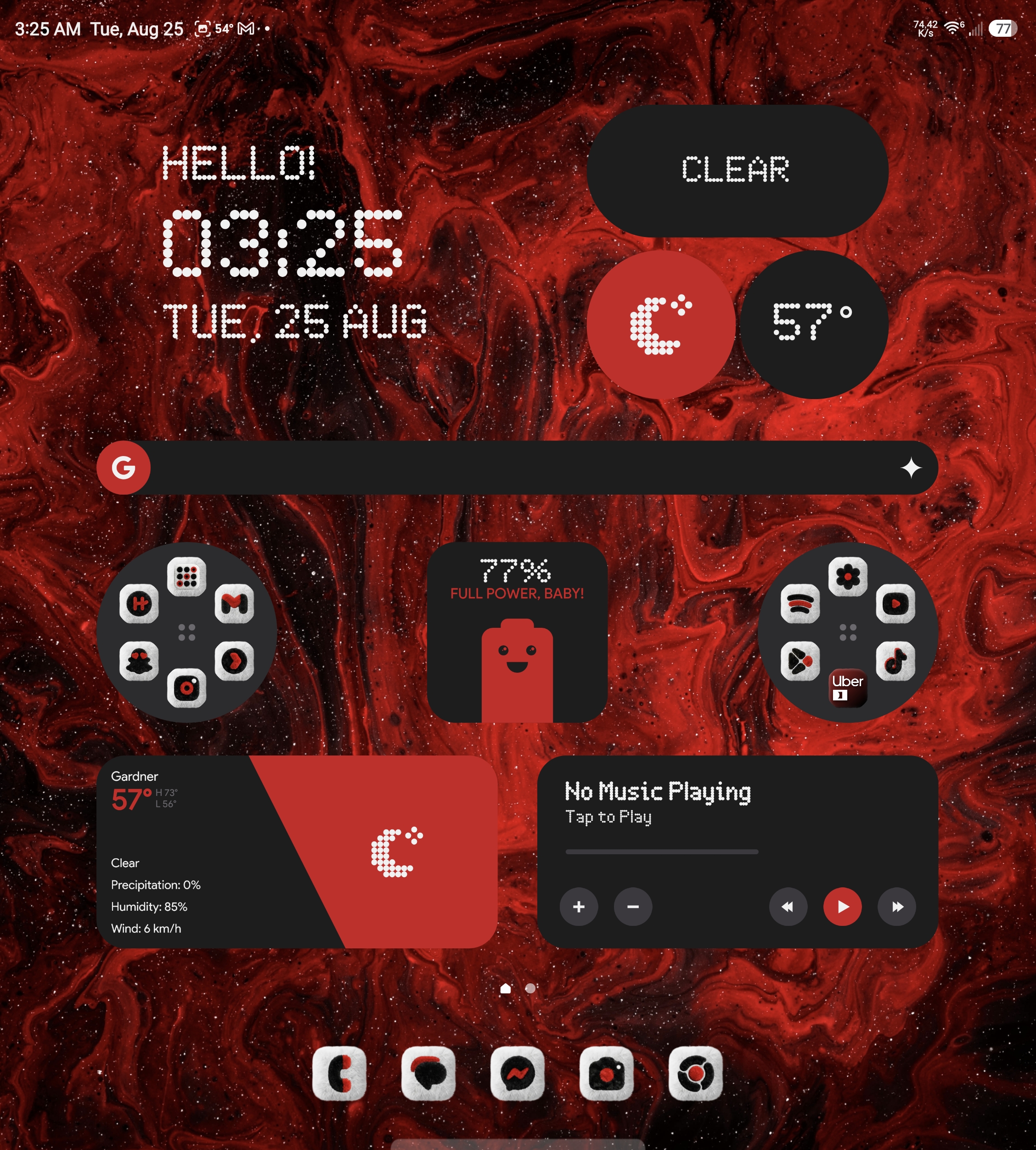
[01] Dual Wallpaper Configuration
Dark Fur (#26 NarikDesign) paired with the deep Red Marble Nebula (#03 Pinterest) with precise fold-state instructions.
[02] Widget Placement & Settings
Complete placement guide for NewThing Widgets Pro: split crimson clocks, circular app clusters, live battery telemetry, and media controls.
// foundational tools
[01] Core Apps You'll Need
NewThing Widgets Pro
Fast, battery-optimized native widget suite providing clean dot-matrix clocks, weather, battery avatars, and media players without lag or third-party container overhead.
Nova Launcher / OneUI
Enables sub-grid placement, icon padding removal, dock hiding, and full gesture customization.
Good Lock (Samsung)
Essential suite for Galaxy Z Fold / Z Flip users to run widgets, custom themes, and modifications on cover and main screens.
// samsung one ui customization suite
[02] Good Lock Modules
LockStar
Customizes the lock screen and Always On Display (AOD), allowing you to move clocks, add widgets, and change wallpapers.
QuickStar
Edits the status bar and redesigns the Quick Settings drop-down panel with custom visibility toggles.
Home Up
Overhauls the One UI home screen, recent apps layout, task changer styling, and folder popups.
Theme Park
Builds custom system themes, third-party icon pack mappings, and keyboard colorways based on your wallpaper.
NavStar
Changes navigation bar icons, back button layouts, and bottom gesture handle sensitivities.
Keys Cafe
Customizes the Samsung Keyboard with unique RGB backlight effects, key sizes, sounds, and layouts.
MultiStar
Enhances multi-window, quick split-screen gestures, and unlocks cover screen launcher abilities for Z Flip / Fold.
SoundAssistant
Provides per-app volume controls, custom floating volume panel UI, and dedicated audio scenarios.
One Hand Operation+
Adds extra customizable swipe gestures to the left/right edges of your screen for rapid one-handed navigation.
ClockFace
Offers extra digital, analog, and dot-matrix clock styles for your Lock Screen and Always On Display.
Wonderland
Creates interactive, moving, particle-based 3D live wallpapers with parallax depth effects.
Routines+
Expands built-in Modes & Routines with advanced macro triggers, fingerprint shortcuts, and button actions.
Nice Shot
Improves screen capture controls, screenshot deletion options, and recording system overlays.
Camera Assistant
Fine-tunes image processing preferences, auto-lens switching, distortion correction, and shutter speed.
// visual styling